Vector Art Services
100% Hand-Traced, Production-Ready Vector Files
S2S Digitizing converts logos, sketches, and low-resolution images into clean, mathematically defined vector art, scalable to any size without losing quality and delivered in the file format (AI, EPS, SVG, DXF) your software or machine needs.
Every file is manually traced point to point, not run through an automated filter. We back that process with a free quote, a 6–8 hour turnaround time, and files delivered in formats that open correctly the first time in Adobe Illustrator, CorelDRAW, Cricut Design Space, or your laser cutter's software.
What Is Vector Art?
Vector art is artwork created using mathematical paths, points, lines, and curves instead of pixels. Because it is resolution-independent, it can be scaled from a small business card to a large billboard without losing sharpness, clarity, or quality, making it the preferred file format for professional printing and branding.
Key benefits of vector art
- Scales to any size without losing quality or detail
- Maintains sharp, crisp edges at every resolution
- Ideal for logos, branding, and commercial artwork
- Usable across multiple print and digital applications
- No need to recreate or rescan artwork for different sizes
- Consistent results for screen printing, embroidery, laser engraving, vinyl cutting, signage, vehicle wraps, and promotional products
Our Vector Art Services
Logo Vectorization
Converts an existing raster logo into a clean, hand-traced vector file that matches your original design exactly, preserving curves, proportions, and color values.
Raster-to-Vector Image Conversion
A broader version of logo vectorization covering any raster image — illustrations, product artwork, badges, or mascots — hand-traced path by path to keep fine details intact.
Vector Illustration & Redraw
Hand-drawn sketches, whiteboard concepts, and rough drafts redrawn by hand into finished, print-ready artwork with clean proportions, linework, and shading.
Color Separation & Spot-Color Prep
Vector files broken into isolated spot-color layers, ready for screen printing, embroidery digitizing, or any process that prints or stitches one color at a time.
Line Art, Halftone & Cartoon Vectorization
Line-art drawings, halftone-dot artwork, and cartoon or caricature illustrations, each traced by hand to preserve their specific visual style.
Clipping Path & Image Masking
A precise vector path around a photograph or product image to isolate it from its background — commonly used for e-commerce listings and catalog photography.
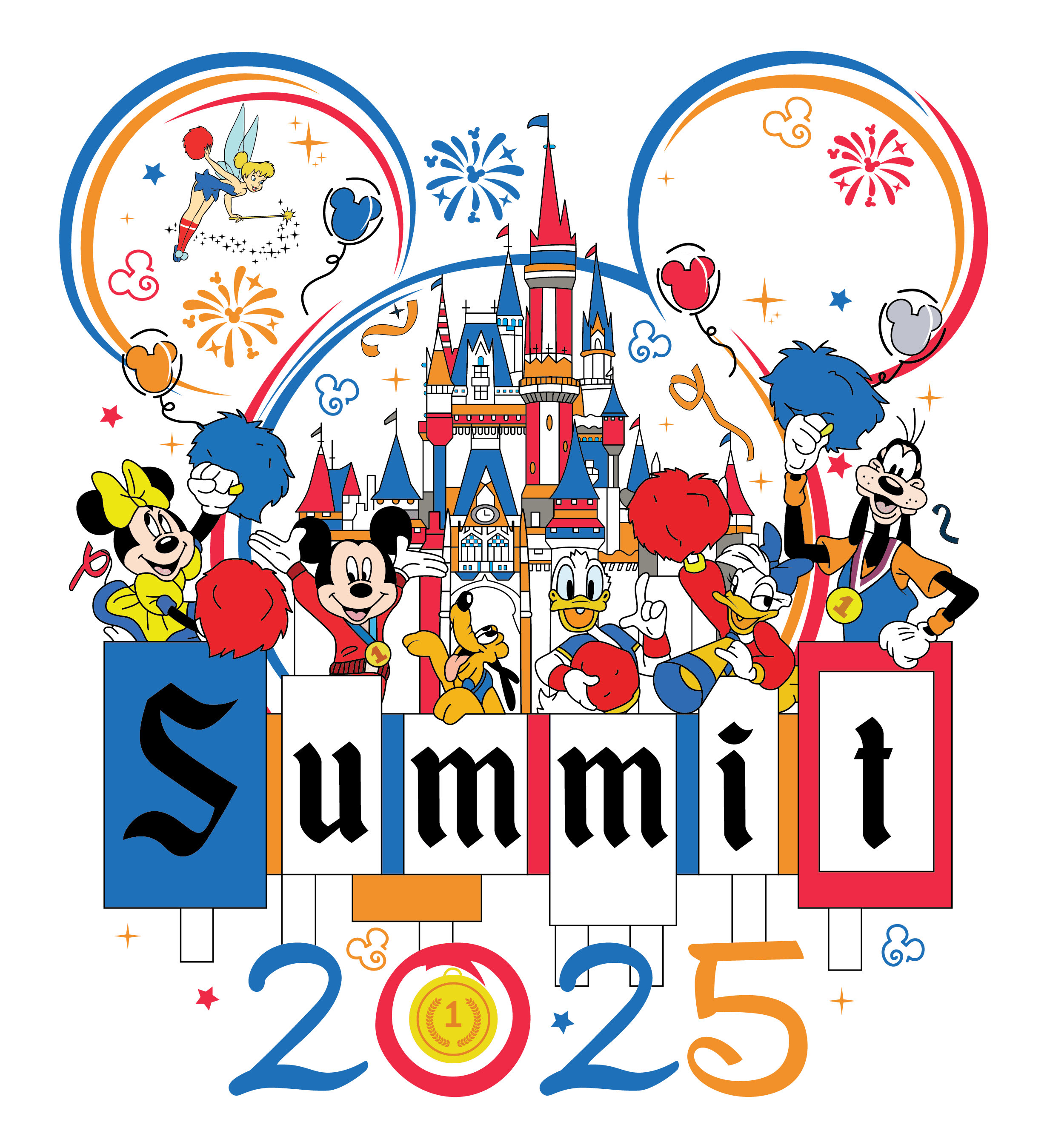
Raster To Vector Conversion
This service is a broader version of logo vectorization, covering any raster image — illustrations, product artwork, badges, or mascots rather than logos specifically. Every image is hand-traced path by path, which keeps fine details intact that automated tracing tools typically smooth over or lose. The result is artwork that is perfect for embroidery, screen printing, vinyl cutting, and other applications where precision matters.
Logo Vectorization
This service converts an existing raster logo — a JPG, PNG, or scanned printout — into a clean, hand-traced vector file that matches your original design exactly. It's the right choice when you have a usable logo but only a low-resolution copy, and it's completed with 100% manual tracing to preserve exact curves, proportions, and color values. Whether you need your logo for embroidery, screen printing, signage, or digital media, every detail is recreated with accuracy and clarity.

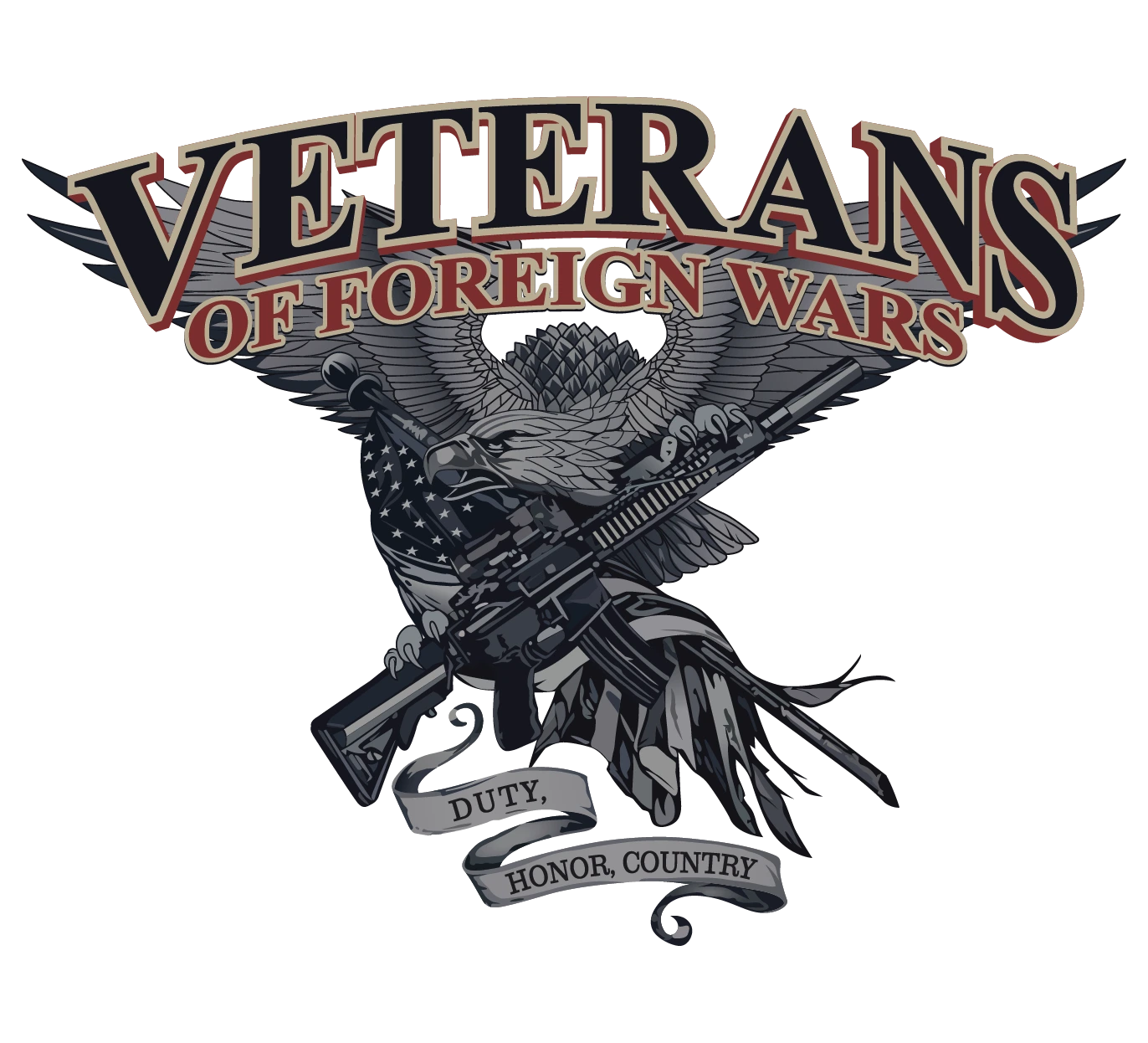
Vector Illustration & Redraw
This service is built for hand-drawn sketches, whiteboard concepts, or rough digital drafts that need to become finished, print-ready artwork rather than a simple format conversion. Our artists redraw the design by hand using the pen tool, so proportions, linework, and shading are interpreted and cleaned up rather than mechanically copied. The result is creative, high-quality vector artwork tailored to your brand's unique needs.
Color Separation & Spot-Color Vector Prep
This service breaks a vector file into individual, isolated color layers — spot colors — so it's ready for screen printing, embroidery digitizing, or any process that prints or stitches one color at a time. Separation is done manually, so shared edges between colors stay aligned and no unwanted color bleed or gaps appear at print time. Ideal for screen printing, embroidery, large-format printing, and branding materials where precision is crucial.
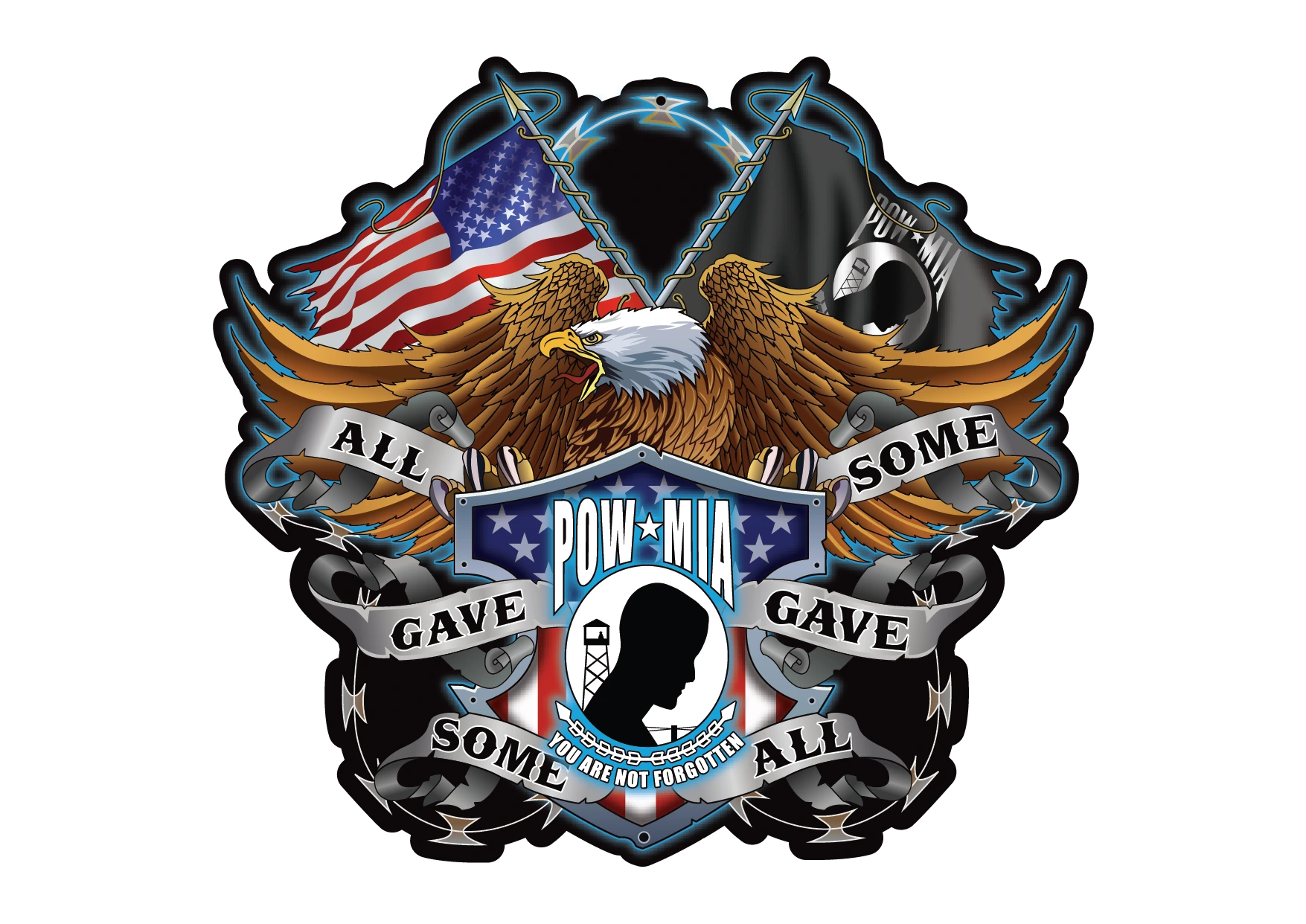
Line Art, Halftone & Cartoon/Caricature Vectorization
This service handles line-art drawings, halftone-dot artwork, and cartoon or caricature illustrations, each of which requires different tracing techniques to preserve their specific visual style. Halftone patterns and fine line weights are especially prone to distortion under automated tracing, which is why this category is traced by hand from start to finish.
Clipping Path & Image Masking
This adjacent service creates a precise vector path around a photograph or product image to isolate it from its background, commonly used for e-commerce listings and catalog photography rather than logo or artwork conversion. Unlike the vectorization services above, the output is typically a masked raster image rather than fully vector artwork, though the path itself is vector-based.
Vector vs Raster: Why It Matters for Your Files
| Attribute | Vector Art | Raster Image |
|---|---|---|
| Scalability | Infinitely scalable with no quality loss | Fixed resolution; enlarging causes pixelation |
| File Size | Typically smaller, especially for simple designs | Larger, especially at high resolution |
| Editability | Individual paths, colors, and shapes are editable | Editing is limited to pixel-level tools (crop, filter, retouch) |
| Best Use Case | Logos, screen printing, embroidery, engraving, signage, cutting | Photographs, detailed digital artwork, web images |
When You Need Vector Instead of Raster
Use vector files whenever artwork needs to be resized, printed, embroidered, engraved, cut, or produced at commercial scale. Unlike raster images, vector graphics remain sharp at any size, while enlarging raster images causes pixelation, blurry edges, and loss of detail.
- Screen printing for accurate color separations
- Embroidery to generate stitch files
- Laser engraving and CNC cutting using vector paths
- Vinyl cutting for decals and signage
- Large-format printing, banners, and vehicle wraps
- Logos and branding that must scale without quality loss
How the Vector Conversion Process Works
Every file goes through the same four-step manual process from upload to delivery.
Step 1 — Upload Your Image or Logo: Upload your JPG, PNG, PDF, or scanned image, and we review its quality and conversion requirements.
Step 2 — Manual Vector Tracing: Our artists manually recreate your artwork using anchor points and Bézier curves to produce clean, scalable vector paths.
Step 3 — Color Separation & Cleanup: Colors are isolated into individual layers, node counts are optimized to remove unnecessary points, and edges are checked for gaps or overlaps that would cause problems on a press, embroidery machine, or cutter. This cleanup step is what makes a file "production-ready" rather than merely "vector."
Step 4 — Quality Check & Delivery: Your completed file is checked against the original artwork for color accuracy and proportion, then delivered in your requested format(s) along with any revision window stated on your order.
Vector File Formats Explained
Vector file format depends on your software or production method. Different applications require different formats, so choose the one that matches your printing, cutting, engraving, or design workflow.
| Format | What It Is | Best For | Compatible Software |
|---|---|---|---|
| AI | Adobe Illustrator's native vector format, built on the PostScript language | Editable master files, ongoing design work | Adobe Illustrator |
| EPS | Encapsulated PostScript, an older cross-platform vector standard | Sharing vector art with programs that don't read native AI files | Illustrator, CorelDRAW, most legacy design software |
| SVG | Scalable Vector Graphics, an open, XML-based format maintained by the W3C | Websites, app icons, and any vector graphic displayed in a browser | All major browsers, Illustrator, Inkscape, Canva |
| PDF (Vector PDF) | A vector-capable Portable Document Format that preserves paths rather than flattening to pixels | Sending proofs and print-ready files that open on almost any device | Adobe Acrobat, Illustrator, most PDF viewers |
| CDR | CorelDRAW's native vector format | Studios and print shops built around the CorelDRAW workflow | CorelDRAW |
| DXF | Drawing Exchange Format, developed by Autodesk for CAD data | Laser engraving, laser cutting, and CNC routing, where the file defines the physical cut path | Laser cutter/CNC software, AutoCAD, CorelDRAW |
| WMF / EMF | Windows Metafile / Enhanced Metafile, native vector formats for Windows applications | Inserting vector art into Microsoft Office documents | Microsoft Word, PowerPoint, older Windows software |
Vector Art Glossary (Key Terms Explained)
Bezier curve
A mathematically defined curve, controlled by anchor points and handles, that forms the basis of every path in vector artwork.
Anchor point (node)
A fixed point on a vector path where a line or curve segment begins or ends, used to control the path's shape.
DPI (dots per inch)
A measure of print resolution describing how many ink dots a printer places per inch; higher DPI generally produces sharper printed output.
PPI (pixels per inch)
A measure of image resolution describing how many pixels are packed into each inch of a raster image on screen or before printing.
Spot color
A single, pre-mixed ink color printed in one pass, used instead of overlapping process colors to achieve an exact, consistent shade.
Pantone Matching System (PMS)
A standardized color-matching system that assigns a specific numbered code to each spot color, ensuring the same color prints consistently across different printers and materials.
CMYK
A four-color printing model (Cyan, Magenta, Yellow, Key/Black) that mixes ink layers to reproduce a full range of colors on a printed page.
Process color
Color reproduced by overlapping small dots of CMYK ink, as opposed to a single pre-mixed spot color.
Index color
An image mode that limits an image to a fixed, defined palette of colors, commonly used to prepare artwork for spot-color separation.
Vector Art by Industry & Use Case
We produce vector files for eight core buyer types, each with different technical requirements for the final file.
Screen Printing
Screen printers need vector art separated into individual spot colors so each ink layer can be burned onto its own screen without registration gaps or unwanted color mixing.
Embroidery Digitizing (Vector-to-Stitch Bridge)
Embroidery machines don't stitch directly from artwork — they need a clean vector outline first, which our team can then convert into an embroidery-ready stitch file in DST, PES, EXP, or JEF format.
DTG & DTF Printing
Direct-to-garment and direct-to-film printing can work from either raster or vector files, but a vector source still produces cleaner edges on text, fine lines, and small details than an upscaled raster image.
Sublimation Printing
Sublimation printing benefits from sublimation-ready vector artwork with clean color breaks, since the dye-based process renders sharp vector edges more accurately than soft, low-resolution source files.
Laser Engraving & Cutting / CNC Routing
Laser cutters and CNC routers read vector paths directly as physical cut or engraving lines, which is why this category is typically delivered as a cut-ready DXF file rather than an AI or EPS file.
Vinyl Cutting & Heat Transfer (HTV)
Vinyl cutters need clean, closed vector paths to produce accurate kiss-cut or die-cut shapes for heat transfer vinyl (HTV) projects, without stray points that would leave the blade tracking incorrectly.
Signage & Large-Format Printing
Signage and large-format printing rely on vector art specifically because a sign can be printed at any size from a storefront decal to a highway billboard, from the same file without any loss of edge sharpness.
Etsy, Cricut & Silhouette Hobbyists
Etsy sellers and Cricut or Silhouette hobbyists typically need an SVG file that imports cleanly into Cricut Design Space or Silhouette Studio, with simplified paths that cut reliably on a home cutting machine.
Pricing, Complexity & Turnaround
Vector art pricing is based primarily on design complexity — the number of colors, paths, and fine details — and turnaround speed.
Our standard turnaround is 6 to 8 hours on most orders. A simple one-color logo costs less and moves faster than a detailed, multi-color illustration with fine linework, because complex designs require significantly more vector recreation time.
File Submission: We accept JPG, PNG, PDF, BMP, and scanned files. Delivered outputs: AI, EPS, SVG, PDF, CDR, DXF, WMF/EMF (per request).
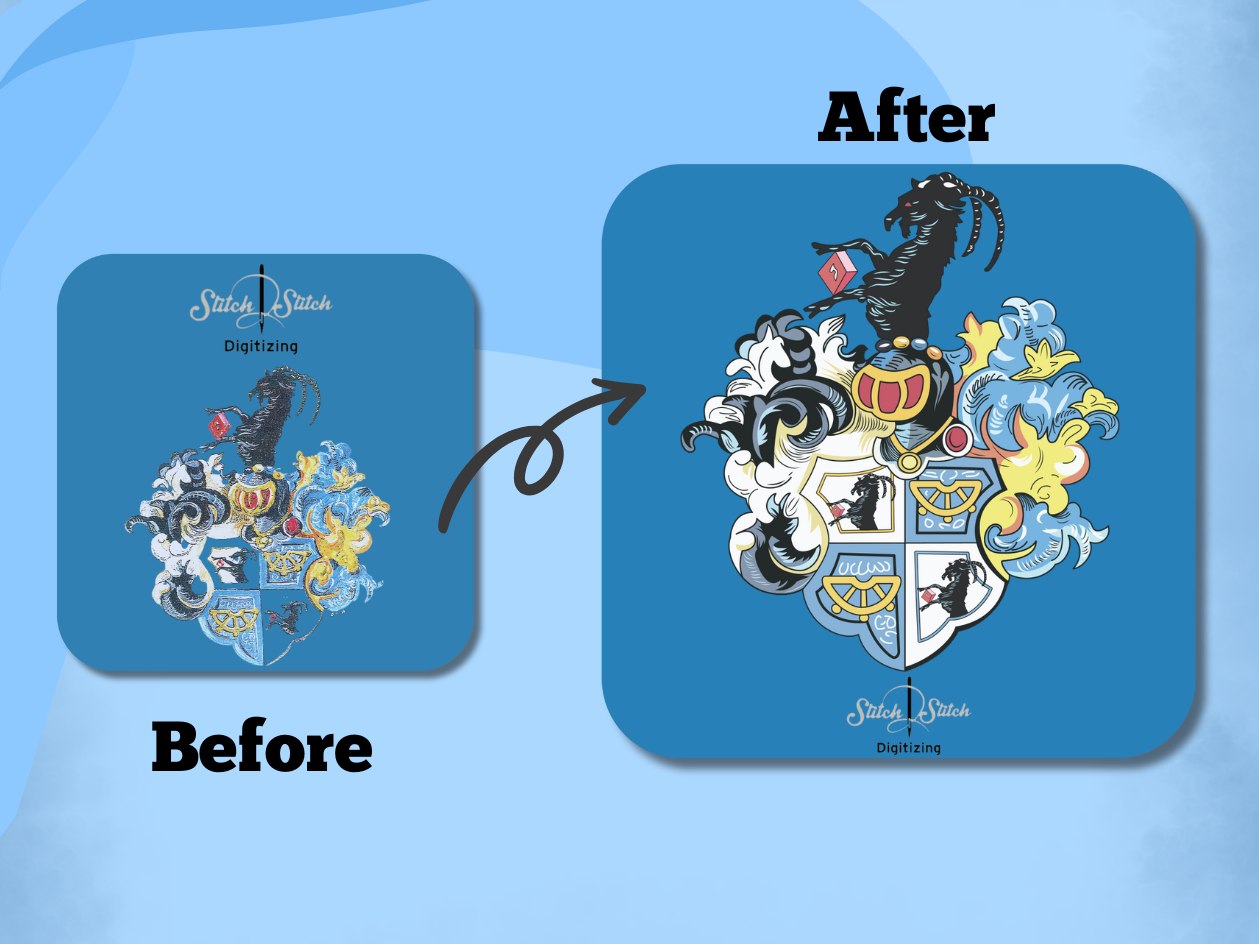
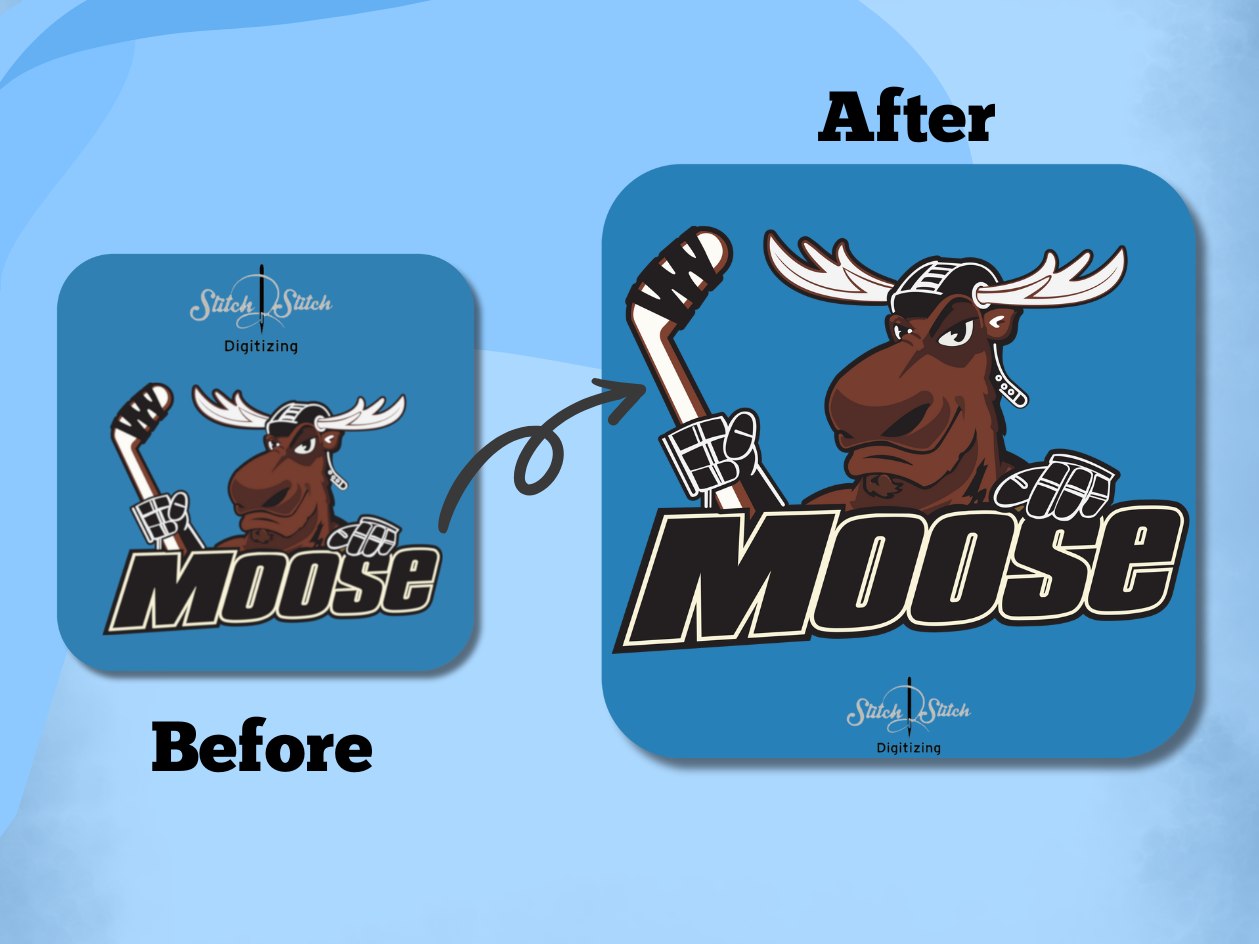
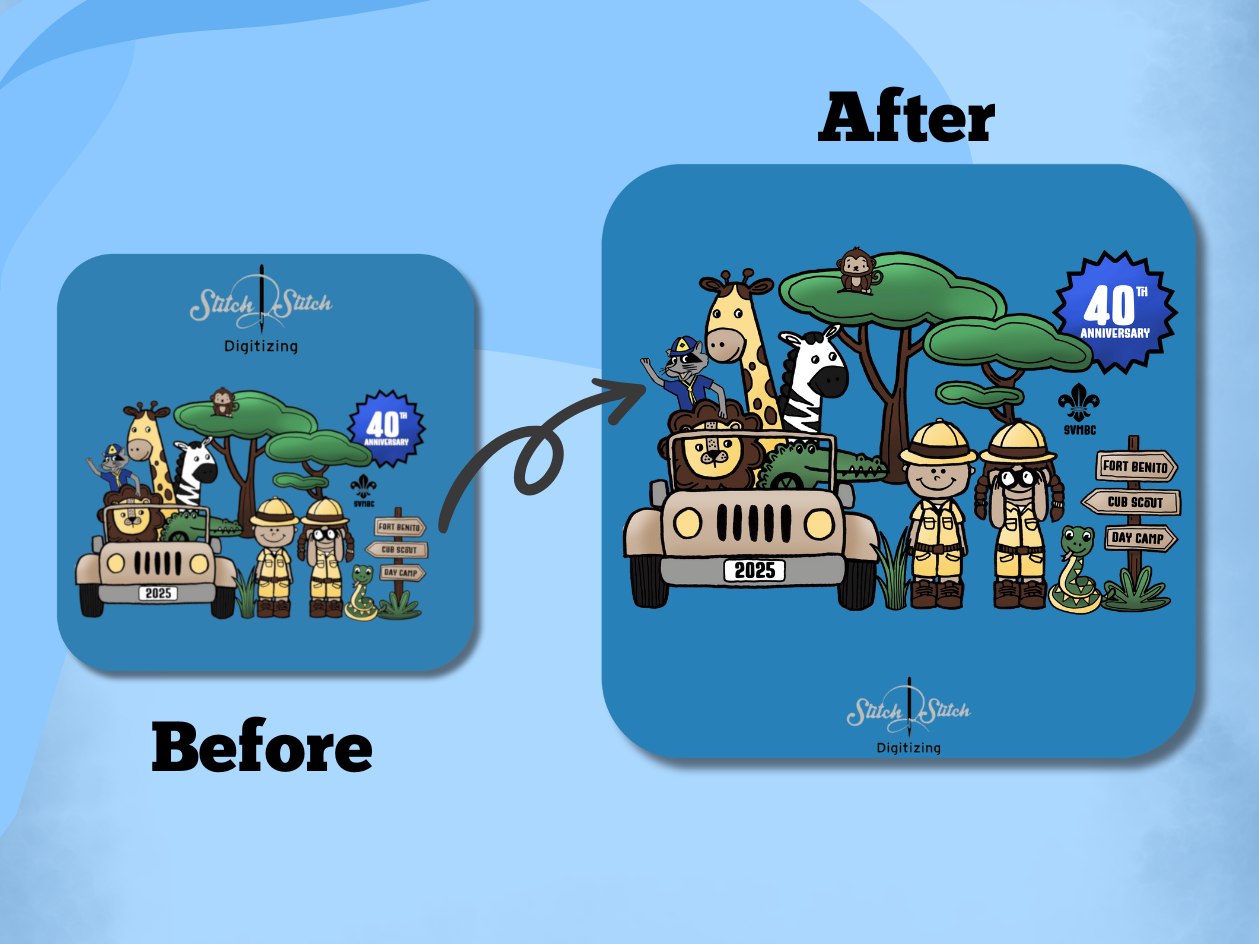
Our Recent Work.
Why Choose Us
S2S Digitizing has provided professional vector conversion, embroidery digitizing, and custom patch services since 2014. Every design is manually created by experienced artists to deliver accurate, editable vector files for printing, embroidery, engraving, and cutting.
- Serving Customers Since 2014
- 98% Satisfied Customers
- 100% manual vector tracing, never auto-traced
- Unlimited Free Revisions
Reviews & Verified Ratings
"The vector file was clean, accurate, and ready for production. We used it for screen printing without making any edits, which saved our team a lot of time."
Michael R. – Screen Printing Shop Owner (Trustpilot)
"I only had a low-resolution logo, but S2S Digitizing recreated it as a perfect vector file. The quality was excellent, and the turnaround was faster than I expected. I would recommend the company."
Sarah L. – Small Business Owner (Google)
"We've used S2S Digitizing for both vector conversion. Every file has been ready for production, and their expert vector recreation quality is consistently reliable. I highly recommend it!"
David K. – Embroidery Business (Google)
"Our laser cutter required clean vector paths, and the files worked flawlessly. No unnecessary nodes, no cleanup, and everything imported perfectly into our software."
Jennifer M. – Sign & Vinyl Shop (Trustpilot)
"Great communication, quick revisions, and high-quality vector artwork. It's become our go-to service whenever we need logos converted for printing or embroidery."
Alex T. – Apparel Brand (Trustpilot)
Frequently Asked Questions
There's no strict minimum resolution required, since our artists trace by hand rather than relying on automated software to read pixel data, but a clearer source image lets us confirm fine details faster.
Yes, because tracing is done manually, our artists can interpret and clean up shapes that automated tracing software would misread or lose entirely in a blurry or low-resolution photo.
AI is Adobe Illustrator's native editable format, EPS is an older cross-platform format many legacy programs read, and SVG is a web-based, browser-compatible format; most print shops and cutters accept AI or EPS, while websites and apps use SVG.
We deliver your finished file in whichever format your software requires, so an AI or EPS file suits Illustrator or CorelDRAW, while an SVG file is what Canva and Cricut Design Space typically need.
Yes, an AI-generated image is still a raster file (a PNG or JPG) unless it was created directly in vector software, so it goes through the same manual hand-tracing process as any other raster source.
A simple design has one to three flat colors and clean outlines, while a complex design has many colors, gradients, fine detail (such as halftones or intricate linework), or a high node count that requires significantly more tracing time.
Yes, bulk and wholesale pricing is available for businesses or agencies submitting multiple designs in a single order.
Yes, same-day and rush vector conversion are available at no additional charge, depending on the project's complexity and requirements. Rush orders are prioritized to meet your requested turnaround time without delaying standard orders.
Yes, you own 100% of the finished vector file with full commercial usage rights once your order is paid in full, under a work-for-hire arrangement with no ongoing royalties or licensing fees.
Yes, full ownership transfers to you on delivery, which includes the right to use the file for merchandise resale, including apparel, Etsy products, and other commercial goods.
Vector art is the scalable artwork created with mathematical paths and curves. A vector image file (AI, EPS, or SVG) is the file format that stores that artwork. A JPG or PNG does not become vector art simply by being saved as an AI, EPS, or SVG file. It must be recreated or traced using vector paths.